Accounting Software Solutions: How Businesses Can Build Better Financial Control And Operational Efficiency

  • Evoucher
  • Tue 03 Nov 2026
Accounting Software Solutions

Why Businesses Need More Than Traditional Accounting Methods

Financial visibility is essential for managing a business, not simply recording its transactions.

Many businesses do not struggle because they lack sales or customers. They struggle because they cannot clearly understand where their money goes, how much customers owe them, which expenses are increasing, or whether their operations are generating sustainable profits.

Traditional accounting methods often rely on spreadsheets, paper records, separate registers, and manually maintained financial statements. These approaches may work when transaction volumes are limited. However, as a business grows, maintaining accurate records across different departments becomes increasingly difficult.

A sales transaction, for example, may need to be reflected in revenue records, customer balances, inventory, and financial reporting. When these records are maintained separately, employees must repeatedly enter information, reconcile figures, and investigate inconsistencies.

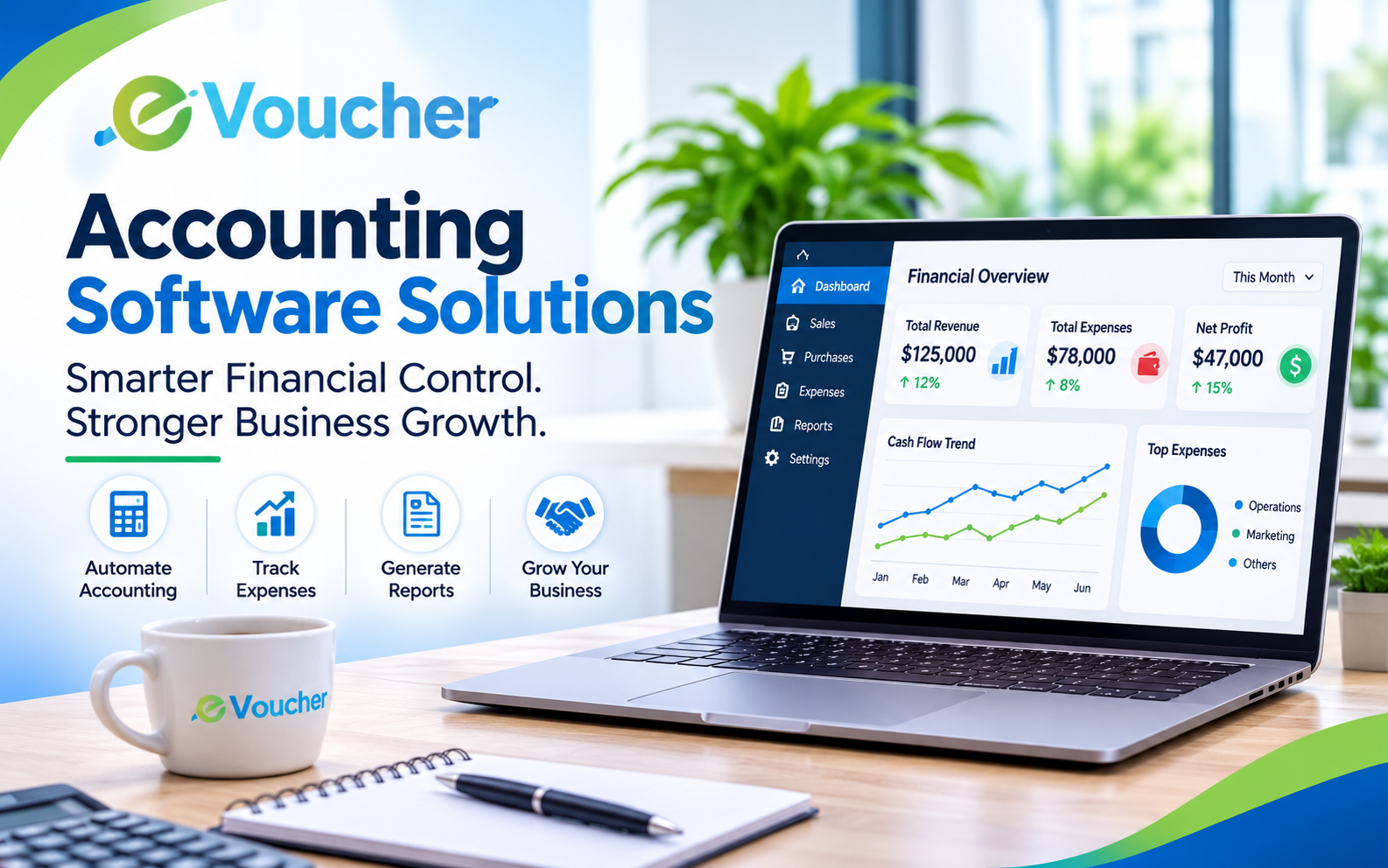
This is where modern Accounting Software Solutions become valuable. They provide a structured way to record financial activities, organize business information, monitor transactions, and generate reports that support better decisions.

The objective is not simply to replace paper records with digital screens. It is to establish a reliable financial management process that gives business owners and finance teams a clearer understanding of business performance.

What Are Accounting Software Solutions

An Effective Accounting System Connects Everyday Financial Activities With Accurate Business Records

Accounting Software Solutions are digital systems designed to help organizations record, organize, monitor, and analyze financial transactions. Depending on their capabilities, they can support activities such as invoicing, expense management, accounts payable, accounts receivable, payroll, inventory accounting, and financial reporting.

Instead of maintaining disconnected records, businesses can use an integrated platform to manage important financial processes within a more organized environment.

For example, when a company issues an invoice, its accounting records should reflect the sale and the amount owed by the customer. When a payment is received, the outstanding balance should be updated accordingly. A properly configured accounting system helps maintain consistency between these activities.

The most useful solutions go beyond basic bookkeeping. They help businesses understand financial performance, identify outstanding payments, monitor expenses, and prepare reports for management.

Accounting Software vs Basic Bookkeeping Tools

Essential Features of Modern Accounting Software Solutions

The Right Features Should Solve Real Operational Problems Rather Than Create Unnecessary Complexity

Not every business needs an enterprise-level accounting platform. However, certain capabilities are particularly important for maintaining reliable financial records and improving everyday financial management.

1. Financial Transaction Management

A dependable accounting system should provide an organized method for recording business transactions.

This includes sales, purchases, receipts, payments, expenses, and other financial activities. Proper transaction classification helps maintain consistent records and makes it easier to review financial activity.

2. Invoicing and Payment Tracking

Invoices are directly connected to revenue and cash flow.

Businesses need to create invoices, record received payments, monitor outstanding balances, and identify overdue customer accounts. Without a structured process, finance teams may spend unnecessary time checking payment records and contacting customers.

Invoice tracking helps businesses understand how much revenue has been billed and how much money has actually been collected.

3. Expense Management

Recording expenses is essential for understanding profitability.

Businesses need visibility into operating costs such as salaries, rent, utilities, purchases, transportation, and other recurring expenses.

Organized expense management makes it easier to identify increasing costs, review spending patterns, and compare actual expenditure against business budgets.

4. Accounts Receivable and Accounts Payable

Financial control requires understanding both incoming and outgoing obligations.

Accounts receivable helps businesses monitor money owed by customers, while accounts payable provides visibility into outstanding supplier payments.

Managing these records together helps prevent missed payment deadlines, improves collection follow-ups, and supports better cash flow planning.

5. Financial Reporting and Analytics

Recording transactions is only part of accounting. Businesses also need to understand what those transactions mean.

Useful accounting reports include:

  • Profit and loss statements

  • Balance sheets

  • Cash flow reports

  • Trial balances

  • Customer outstanding balances

  • Supplier outstanding balances

  • Expense summaries

These reports provide management with a clearer picture of financial performance and help identify areas requiring attention.

6. Inventory and Accounting Integration

For product-based businesses, inventory and accounting should not operate as completely separate functions.

Purchases, sales, returns, and stock adjustments can affect inventory valuation and financial records. An integrated system helps reduce duplicate data entry and improves consistency between operational and accounting information.

7. Payroll and Employee Records

Payroll involves more than calculating monthly salaries. Businesses also need to maintain employee information, salary records, allowances, deductions, and payment histories.

When payroll is connected with accounting, salary expenses can be reflected more consistently in financial records.

How Integrated Accounting Software Improves Business Operations

Better Financial Management Begins When Departments Work With Consistent Information

A common operational problem is the use of separate systems for sales, purchases, inventory, customer records, and accounting.

Consider a retail business that records sales in one application, maintains inventory in spreadsheets, and enters financial transactions into separate accounting software.

Every time a transaction occurs, employees may need to update several records. This creates additional work and increases the possibility of inconsistent information.

An integrated accounting environment can reduce this fragmentation.

For example:

  • A recorded sale can update the customer's outstanding balance.

  • A purchase can be reflected in supplier records.

  • An expense can be categorized for financial reporting.

  • Inventory-related transactions can be connected with relevant accounting records.

  • Management can review financial reports using centralized information.

The exact level of automation depends on the software's integrations and configuration. However, the underlying principle remains the same: information should flow through business processes without unnecessary duplication.

This is particularly valuable for companies operating multiple departments or handling high transaction volumes.

Cloud-Based Accounting Software Accessibility and Financial Visibility

Financial Information Should Remain Accessible To Authorized Users Beyond A Single Office Computer

Cloud-based accounting software allows businesses to access financial information through internet-connected devices rather than depending exclusively on a locally installed application.

This approach can support business owners, accountants, and authorized employees who need to review records from different locations.

Important advantages include:

Remote accessibility: Authorized users can access financial information without being physically present in the office.

Centralized records: Teams can work with information maintained within a shared system instead of exchanging multiple spreadsheet versions.

Simplified collaboration: Business owners and finance professionals can review the same records, subject to user permissions.

Reduced maintenance: Cloud providers generally manage software hosting, infrastructure maintenance, and updates.

Business continuity: Reliable backup and recovery arrangements can help protect financial records against device failures and other disruptions.

However, cloud access does not automatically guarantee security. Businesses should evaluate encryption, authentication, access permissions, backup arrangements, and the provider's data protection practices before selecting a platform.

Choosing the Right Accounting Software Solutions for Your Industry

Different Industries Have Different Financial Workflows So Software Selection Should Reflect Operational Requirements

A general-purpose accounting system may cover basic financial transactions, but industry-specific operations can require additional functionality.

Travel Agencies and Tourism Businesses

Travel agencies manage multiple financial relationships, including customers, airlines, hotels, transport providers, and other suppliers.

Their accounting requirements may involve customer payments, supplier settlements, booking-related expenses, commissions, and transaction-level financial records.

Travel agency accounting software should support the financial workflows associated with these activities rather than treating every transaction as an ordinary retail sale.

Retail and E-commerce Businesses

Online stores and retailers handle product sales, purchases, returns, inventory costs, payment collections, and operating expenses.

Accounting software for e-commerce businesses should help connect sales records with financial information and provide visibility into revenue, expenses, outstanding payments, and profitability.

Pharmacies and Healthcare Retailers

Pharmacies handle frequent transactions, product purchases, supplier accounts, and inventory-related costs.

Their financial management systems should support organized purchase records, sales transactions, expense tracking, and reporting. Where inventory or expiry management is required, the software should provide suitable operational functionality.

Salons and Service-Based Businesses

Salons and service businesses need to monitor service revenue, operating expenses, employee-related costs, and customer transactions.

A suitable system can help owners organize daily financial activities and understand which services and operating costs contribute to overall performance.

The key consideration is not whether software offers the largest number of features. It is whether its capabilities match the business's actual workflows.

Common Mistakes Businesses Make When Choosing Accounting Software

The Wrong Selection Can Create New Administrative Problems Instead Of Solving Existing Ones

Accounting software is an important business investment. Choosing it without understanding operational requirements can result in unnecessary costs, poor adoption, and incomplete financial records.

Some common mistakes include:

Selecting Software Based Only on Price

A low-cost platform may appear attractive, but businesses should also consider functionality, scalability, support, security, and the cost of additional users or modules.

Ignoring Industry Requirements

A system designed around basic bookkeeping may not be suitable for businesses that also need inventory management, specialized billing, payroll, or industry-specific financial workflows.

Overlooking Data Migration

Moving from spreadsheets or an older accounting system requires careful handling of customer records, supplier information, opening balances, and historical transactions.

Businesses should understand the available migration process before committing to a new platform.

Giving Every Employee Unrestricted Access

Financial information should be accessible according to employees' responsibilities.

Role-based permissions and appropriate approval processes can help reduce unauthorized changes and improve accountability.

Failing to Train Employees

Even capable software can produce poor results when employees do not understand how to use it correctly.

Training should cover everyday transactions, record maintenance, reporting, and the procedures used to correct mistakes.

How to Evaluate Accounting Software Before Making a Decision

The Best Selection Process Starts With Business Requirements Not A Feature Checklist

Before investing in an accounting platform, business owners should examine their current financial processes and identify the problems they want to solve.

A practical evaluation process includes:

  1. Review existing workflows: Identify how the business currently handles sales, purchases, payments, expenses, and financial reporting.

  2. Identify operational gaps: Determine where manual data entry, delayed reporting, duplicate records, or reconciliation problems occur.

  3. Prioritize essential features: Separate must-have functions from optional capabilities.

  4. Check integration requirements: Determine whether the software can work with existing sales, inventory, payroll, payment, or e-commerce systems.

  5. Evaluate reporting capabilities: Review whether available reports provide useful information for financial and operational decisions.

  6. Assess security and permissions: Understand how the system manages user access, data protection, backups, and financial record changes.

  7. Test the system: Use a demonstration or trial environment to evaluate everyday workflows before making a long-term commitment.

A useful test is to follow one complete business transaction from beginning to end. For example, create a customer invoice, record a payment, review the customer balance, and examine the relevant financial report.

If the process is clear and consistent, the software is more likely to fit the organization's daily requirements.

How Evoucher Supports Business Accounting and Management

Organized Business Operations Require Accounting Tools That Reflect Real Industry Workflows

Evoucher provides accounting and business management software designed to support different operational requirements.

Instead of approaching every industry with the same financial workflow, businesses can explore solutions relevant to their particular activities.

Depending on the selected solution and configuration, eVoucher's software offerings include areas such as:

  • Travel Agency Accounting: Support for organizing travel agency financial activities and accounting records.

  • E-commerce Accounting: Help businesses manage financial information associated with online selling operations.

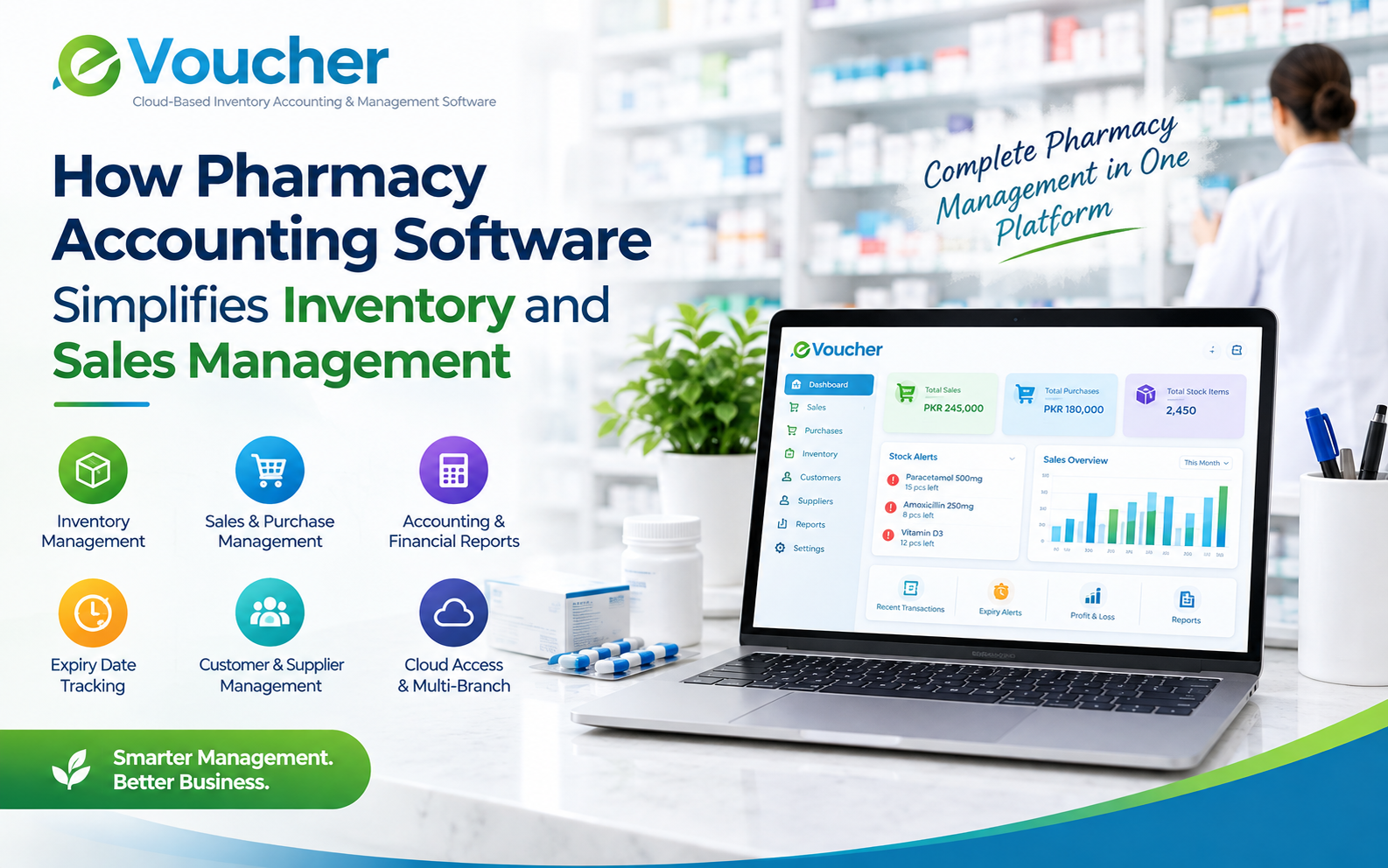
  • Pharmacy Accounting: Support for pharmacy-related accounting and business records.

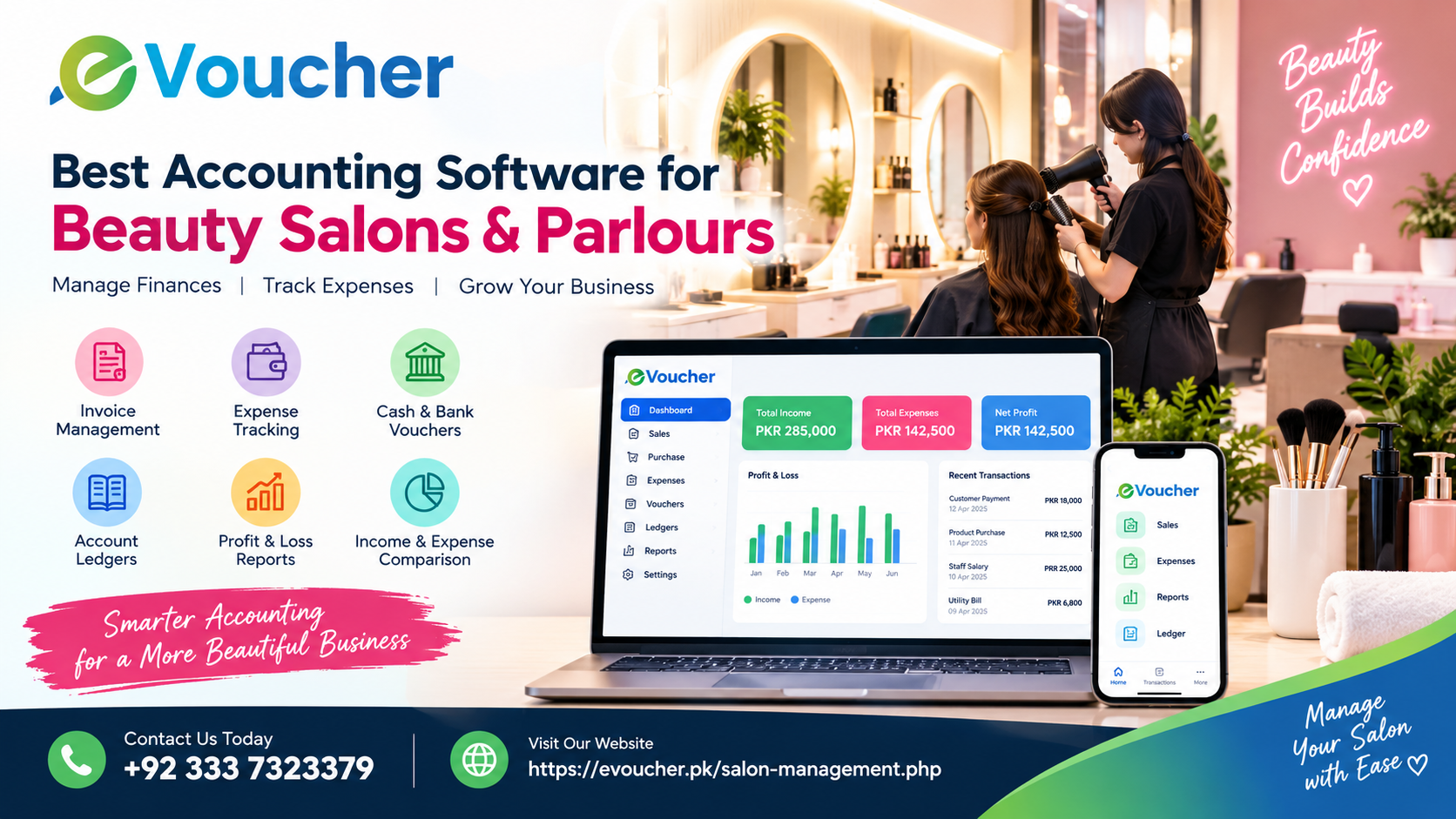
  • Salon Management: Tools for organizing salon operations and associated business activities.

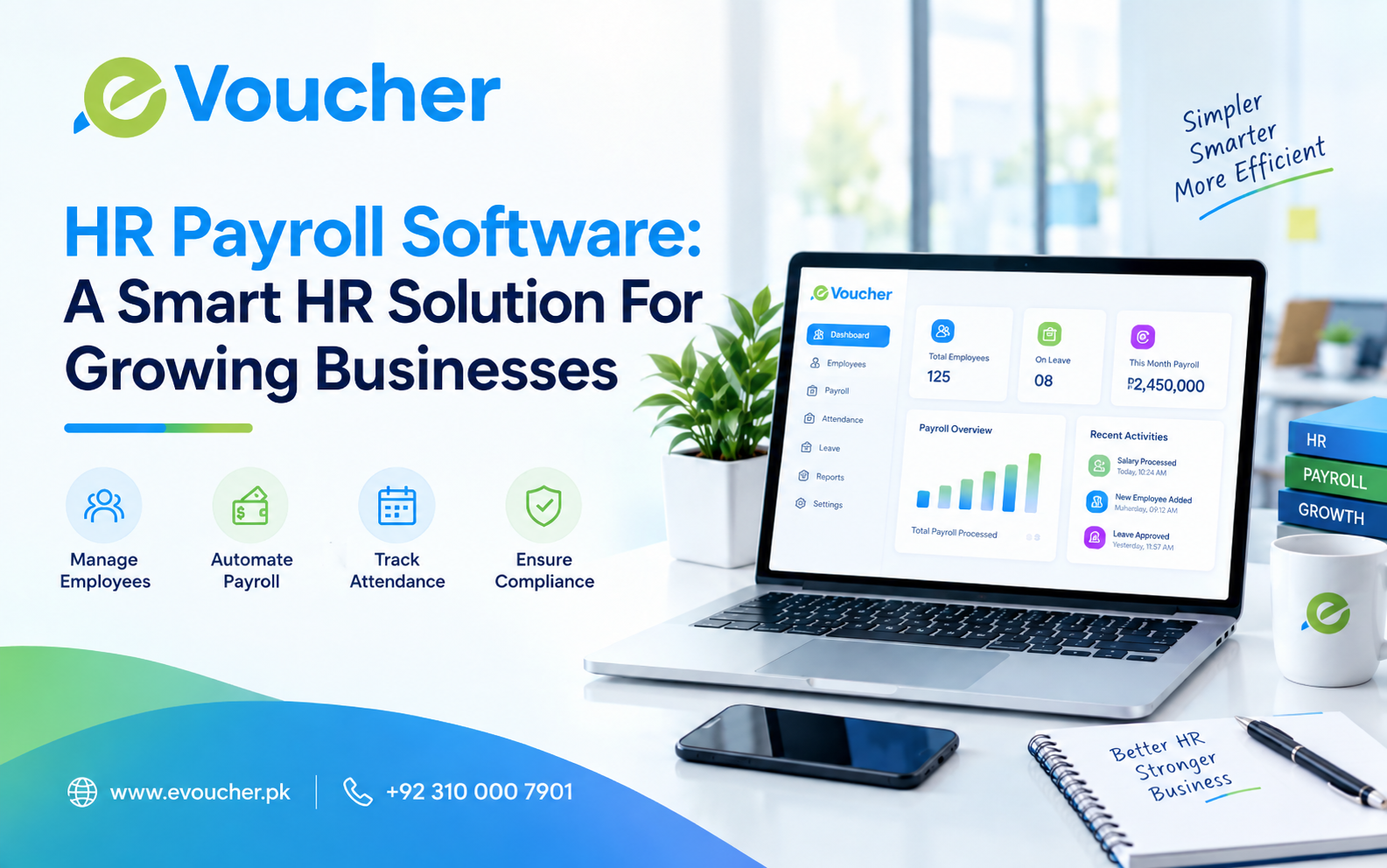
  • HR and Payroll: Support for employee-related administration and payroll processes.

  • CRM: Customer relationship management capabilities to help organize customer information and interactions.

The objective is to help businesses move away from fragmented records and toward more organized digital management.

For companies evaluating accounting software, the important step is to identify their actual requirements and explore whether the relevant eVoucher solution supports those workflows.

Visit eVoucher to learn more about its software solutions and available business management capabilities.

The Future of Business Accounting Is Connected and Data-Driven

Accounting Is Evolving From Transaction Recording Into A More Active Management Function

As businesses adopt digital systems, accounting is becoming increasingly connected with other operational processes.

Automation, cloud infrastructure, business intelligence, and integrated enterprise platforms are changing how organizations maintain and use financial information.

However, technology alone does not guarantee better financial management. The quality of the underlying records, correct system configuration, employee training, and consistent accounting practices remain essential.

Businesses that establish reliable financial processes can use accounting information more effectively to evaluate performance, monitor costs, plan cash requirements, and make informed decisions.

The next stage of business accounting will not simply be about recording more transactions. It will be about turning accurate financial information into useful operational insight.

Conclusion

Build a Stronger Financial Management Foundation with the Right Software

Better financial decisions begin with organized, reliable, and accessible business information.

Accounting is not just a back-office responsibility. It affects cash flow, profitability, supplier relationships, customer collections, operational planning, and long-term business growth.

The right accounting software solutions help businesses reduce unnecessary manual work, maintain consistent financial records, and gain better visibility into their operations.

Whether a company operates in travel, retail, e-commerce, healthcare retail, or professional services, software selection should begin with its actual financial and operational requirements.

With its industry-focused software offerings, eVoucher provides businesses with an opportunity to explore more organized approaches to accounting and business management.

Explore eVoucher at https://evoucher.pk/ and find a software solution aligned with your business needs.